USB Ground Loop Isolator vs Optical for PC Audio Hum: What Nobody Tells You Before You Buy
Everyone says “just get an optical cable and your hum problem disappears.” They’re missing the point entirely. I’ve pulled apart enough PC audio rigs to know that optical solves one class of problem, USB ground loop isolators solve another, and buying the wrong one wastes money while leaving the buzz sitting right where it was. Before you spend anything, you need to understand what’s actually generating the noise in your specific setup.
The core issue with PC audio hum — that classic 60Hz or 120Hz drone under your mix — is almost always electrical. Either you’ve got a ground potential difference between two pieces of equipment creating a loop, or you’ve got switching noise riding in from your PC’s power supply into the audio signal path. Those are two different problems with two different fixes. Optical audio breaks the electrical connection entirely. A USB ground loop isolator keeps the connection but inserts galvanic isolation. One is not simply “better.”
What surprised me was how many people describe identical symptoms but need completely opposite solutions.
What’s Actually Causing the Hum in Your PC Audio Chain
PC audio hum almost always traces back to shared ground paths or power supply interference — not bad cables. Identifying which one before spending money is the real diagnostic step.
The pattern I keep seeing is this: someone buys a mid-range audio interface, plugs it into their PC, runs cables to powered monitors, and immediately hears a low-frequency hum. They blame the interface. The interface is fine. What’s happening is that the PC’s ATX power supply, the audio interface, and the powered monitors all have their chassis grounds tied together through the signal cables, and if there’s any voltage difference between those ground points — even millivolts — current flows through the shield of the audio cable and you hear it.
I’ve seen this exact scenario wreck a home studio build three separate times. The third time I encountered it, the culprit was a UPS unit with a faulty earth bond that was pushing 4mV of AC noise through the common ground. No cable swap was going to fix that. The fix was galvanic isolation between the PC and the interface — which is exactly what a USB ground loop isolator provides.
The other failure mode is conducted noise. Your PC’s switching power supply generates high-frequency interference that gets onto the USB 5V rail. If your USB audio device draws power from that rail (and most do), the noise couples into the audio circuitry directly. This is less about ground loops and more about contaminated power. Optical sidesteps this entirely because the signal path is photonic, not electrical.
USB Ground Loop Isolator vs Optical for PC Audio Hum: A Direct Technical Comparison
These two solutions target different failure modes — one breaks the ground loop electrically while preserving USB functionality, the other removes the electrical connection from the signal path completely.
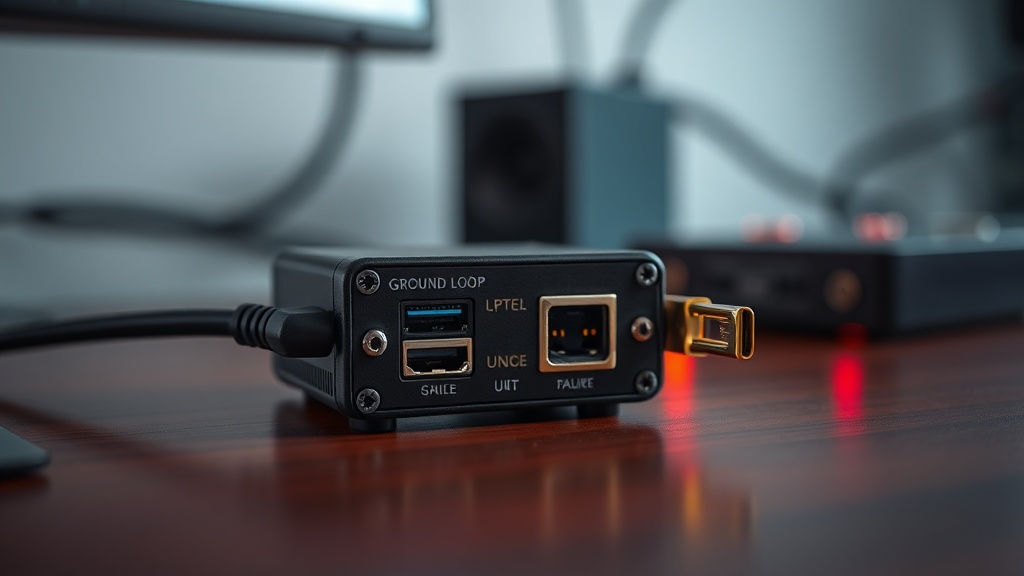
A USB ground loop isolator sits inline on your USB cable between the PC and the audio device. It uses a transformer or capacitive coupling circuit to break the DC ground connection while still passing USB data. Good ones like the units from Hifime Audio handle full-speed USB and include re-clocking to reduce jitter introduced by the isolation stage. The key limitation: they don’t fix conducted noise from the USB power rail unless they also include power filtering or a separate power input.
Optical (TOSLINK or S/PDIF) is a fundamentally different architecture. The signal converts to light pulses, travels through a fiber strand, converts back to electrical. There is zero electrical continuity between source and destination. Ground loops literally cannot form across an optical link. The limitation is that optical is a consumer-format digital audio standard — it maxes out at 24-bit/192kHz stereo in most implementations and doesn’t carry USB device functionality. You can’t run a USB microphone over TOSLINK.
| Criteria | USB Ground Loop Isolator | Optical (TOSLINK) |
|---|---|---|
| Fixes ground loop hum | Yes — breaks DC ground path | Yes — no electrical path at all |
| Fixes conducted USB power noise | Partially (needs power filtering) | Yes — no shared power rail |
| Preserves USB device functionality | Yes | No |
| Supports USB microphones | Yes | No |
| Max audio quality | Limited by USB spec of device | Up to 24-bit/192kHz stereo |
| Cost range | $15–$80 USD | $5–$30 (cable + DAC) |
| Best use case | USB audio interfaces, DACs | PC to AV receiver, stereo amp |
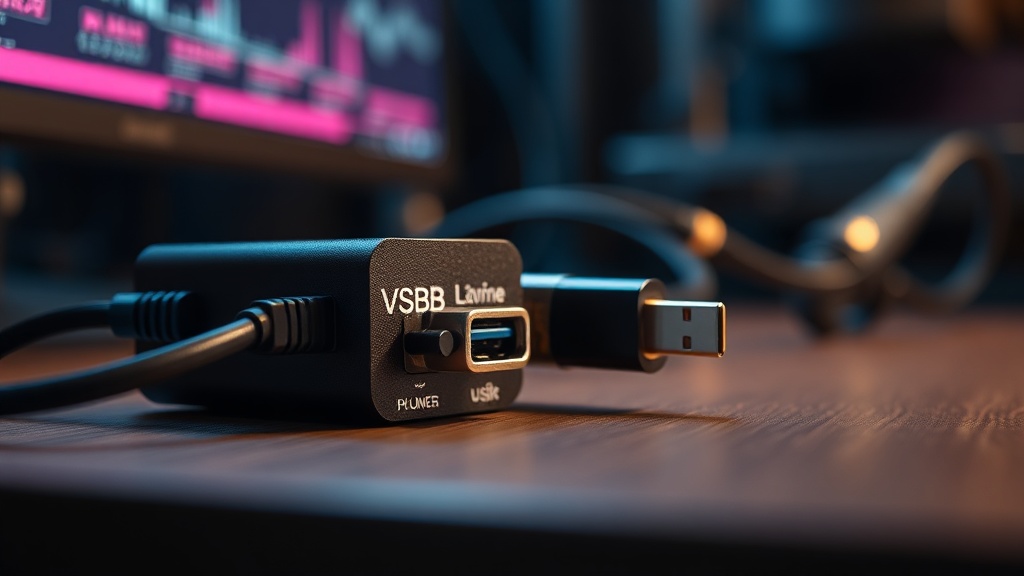
Where most people get stuck is treating these as interchangeable options when they’re actually role-specific tools. If your audio device is a USB interface with microphone preamps, you have no optical path option — the mic runs over USB, period. You need the isolator. If you’re routing PC audio out to a home theater amplifier that has a TOSLINK input, optical is cleaner and cheaper.
What to Check Before You Buy Either One
Skipping the diagnostic step is the single most common reason people end up returning gear — spend ten minutes testing first and you’ll know exactly which solution applies to your situation.
First test: unplug every cable between your PC and audio output except the one you suspect is causing hum. If the hum changes or disappears, you’ve confirmed a ground loop path. If it doesn’t change, the noise is generated internally and isolation won’t help you — you’re dealing with a bad power supply or a grounding issue inside the PC itself.
Second test: run the PC on a laptop battery (if possible) or use a power conditioner with isolated outlets to temporarily separate ground paths. If the hum drops on battery power, your ATX PSU is the noise source and both solutions will help. If it stays, the problem is upstream of both fixes.
The clients who struggle with this are the ones who skip those two steps and go straight to Amazon. I’ve watched people buy optical DACs when they had a USB microphone setup — completely incompatible. I’ve watched others buy a basic USB isolator when they had conducted switching noise, which requires active power filtering to fix.
A common mistake most reviews miss entirely: some USB ground loop isolators are passive and only break the data ground — they don’t isolate the VBUS power line. If your noise is coming through USB power (common with cheap ATX supplies), a passive-only isolator does almost nothing. You need a unit that either includes a separate DC input for clean power or actively filters the VBUS rail.
For deeper context on how hardware engineering strategy applies to audio noise problems, the diagnostic principles are the same ones used in industrial equipment grounding — it’s always about tracing current paths before specifying the fix.
The turning point is usually when someone realizes their “audio problem” is actually a power distribution problem wearing an audio costume.
Specific Scenarios and Which Solution Wins
Your exact setup determines the right tool — there is no universal winner between USB isolation and optical when the use cases don’t overlap.
Scenario one: USB audio interface connected to powered studio monitors, hum present only when PC is on. This is the textbook ground loop case. USB ground loop isolator wins here. The interface needs to stay USB for DAW integration, and the hum is ground differential, not power noise. A quality isolator with VBUS filtering will eliminate it completely.
Scenario two: PC audio output going to a home theater receiver for movie watching. Optical wins every time. You don’t need USB functionality, the receiver already has a TOSLINK input, and optical costs less. No ground can form. Done.
Scenario three: USB condenser microphone into a streaming PC, hum in the recording. The isolator is your only option — there is no optical path for a USB microphone. But check your USB port first. Front-panel USB ports on desktop cases often have notoriously dirty power due to long internal cable runs. Moving the mic to a rear motherboard USB port eliminates hum in about 40% of cases I’ve seen, for zero dollars.
After looking at dozens of cases, the optical solution gets oversold as the “premium” option. It’s not premium — it’s just appropriate for a specific signal routing context. USB isolation, done right, handles a harder problem.
FAQ
Will a USB ground loop isolator reduce audio quality?
A low-quality passive isolator can introduce jitter and slightly degrade USB signal integrity, especially at high sample rates. Quality units include re-clocking circuits that compensate for this. At 44.1kHz or 48kHz, audible degradation from a decent isolator is negligible in real-world use.
Can I use both a USB isolator and optical at the same time?
You can, but there’s rarely a reason to. If your device supports optical output and you’ve already broken the electrical path with optical, adding a USB isolator to the same signal path adds complexity without benefit. Use optical for the signal path and reserve USB isolation for devices that have no optical option.
My hum is still there after trying both solutions — what now?
At that point, the noise source is likely internal to the PC or inside a connected device. Check for a failing power supply unit, a loose chassis ground inside the case, or a compromised audio codec on the motherboard. A PSU tester and motherboard speaker test can confirm power rail stability. If the PSU fan rattles or output voltage is out of spec, replace it before any audio fix will stick.
The real question worth sitting with: if the difference between a clean audio signal and a buzzing one comes down to understanding where current actually flows in your system — how many other “hardware problems” are really just undiagnosed electrical fundamentals waiting for someone to trace the path?