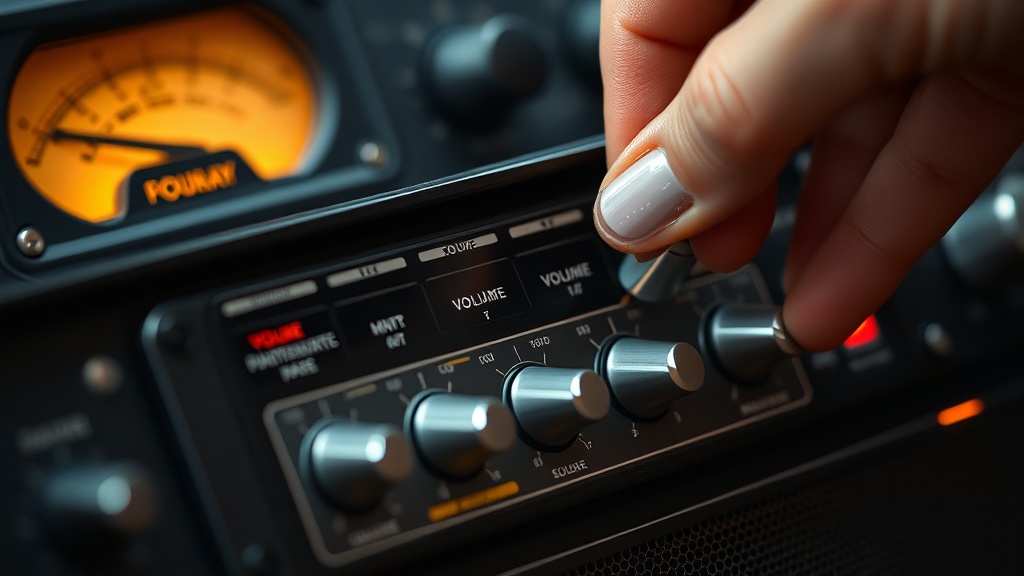
Fixing Scratchy Volume Potentiometer on Desktop Amps: A Diagnostics Engineer’s Field Guide
The first time I cracked open a Marantz PM5005 for a client complaining about “static in the left channel,” I found a carbon-film potentiometer caked in oxidized residue that had been building up for six years. One pass with DeoxIT D5, thirty seconds of rotation cycling, and the amp sounded cleaner than the day it left the factory. That single repair taught me more about contact degradation than any textbook. Since then, I’ve pulled the same move on dozens of integrated amps, and the core problem almost never changes — but the fix varies more than most people realize.
If you’re dealing with crackle, drop-outs, or channel imbalance when you turn the volume knob on your desktop amp, you’re almost certainly looking at a dirty or worn volume potentiometer. This guide walks through exactly how to diagnose and fix it — before you spend money on anything.
Understanding Why Volume Pots Go Scratchy in the First Place
Scratchy volume pots are almost always caused by oxidation or carbon track wear on the resistive element inside the pot — not amplifier circuit failure. Dust and humidity accelerate this process significantly in desktop environments.
A potentiometer is mechanically simple: a wiper arm slides along a resistive carbon track to vary voltage. The problem is that carbon oxidizes. Add years of dust accumulation in a desktop environment — which pulls air across the circuit board with every thermal cycle — and you get a film of oxidized debris sitting between the wiper and the track. Every time you rotate the knob, that debris creates micro-arcing that you hear as crackling or static.
What surprised me was how many people assume the amplifier board itself is failing. I’ve had clients ready to throw out a perfectly good Emotiva BasX A-100 because the volume pot crackled. The amp section was completely healthy. The pot needed a five-dollar can of contact cleaner and ten minutes of work.
Humidity is the real accelerant here. Desktop amps near windows or in poorly ventilated rooms degrade faster. I’ve seen pots fail within two years in coastal environments and last fifteen years in dry inland climates. The carbon track doesn’t corrode in the traditional sense — the oxidation forms a resistive layer that makes electrical contact inconsistent.
Diagnosing the Problem Before You Touch a Screwdriver
Run these three checks before opening anything — they confirm the pot is the culprit and rule out input source issues, cabling faults, or pre-amp stage failures that mimic the same symptoms.
Start with the simplest test: swap your input source. Plug a different device into the same amp input and rotate the volume knob. If the crackle follows the knob movement regardless of source, the pot is the suspect. If crackle only appears with one source, you have an upstream problem — a dirty RCA jack or a failing source device — not a potentiometer issue.
Next, test channel isolation. If your amp has a balance control, sweep it side to side. A scratchy balance pot produces identical symptoms to a scratchy volume pot, and you don’t want to clean the wrong component. Then try bypassing the volume pot entirely if your amp has a direct input or fixed-output mode. Some integrated amps like the Cambridge Audio CXA series include this. If the crackle disappears in bypass mode, the volume pot is confirmed as the source.
The pattern I keep seeing is that users skip the source test and go straight to disassembly. That wastes time and creates risk of introducing new damage during unnecessary teardown.
Check whether the crackle happens only at specific rotation points or throughout the full sweep. Crackle at specific positions usually means localized track wear — a more serious problem. Crackle throughout the full rotation typically means generalized oxidation, which responds well to cleaning.
Fixing Scratchy Volume Potentiometer on Desktop Amps: Step-by-Step
The repair process breaks into three approaches depending on pot type and severity: contact cleaner injection, full pot replacement, or log-taper substitution — each with distinct trade-offs.
This depends on whether your pot is sealed or open-frame. If you’re working with an open-frame pot (common in older Japanese amps like Yamaha A-S series or Denon PMA units), you can apply contact cleaner directly. If you have a sealed pot, you’ll need to locate the small access hole on the housing — it’s usually a 1mm opening near the wiper terminal — and inject cleaner through that point.
Here’s my exact procedure for open-frame potentiometers:
- Power down completely and unplug. Wait 30 minutes for capacitors to discharge.
- Remove the amp top cover. Most desktop amps use Phillips M3 screws along the top edges and rear panel.
- Locate the volume pot — it mounts directly to the front panel PCB or chassis with the shaft protruding through the faceplate.
- Apply 1-2 short bursts of DeoxIT D5 contact cleaner into the pot body opening. Do not flood it.
- Rotate the shaft 20-30 full cycles immediately after application while the cleaner is still wet.
- Let it dry for 15 minutes, then test.
- If crackle persists, repeat once. Three applications with no improvement means the carbon track is worn through — replacement is required.
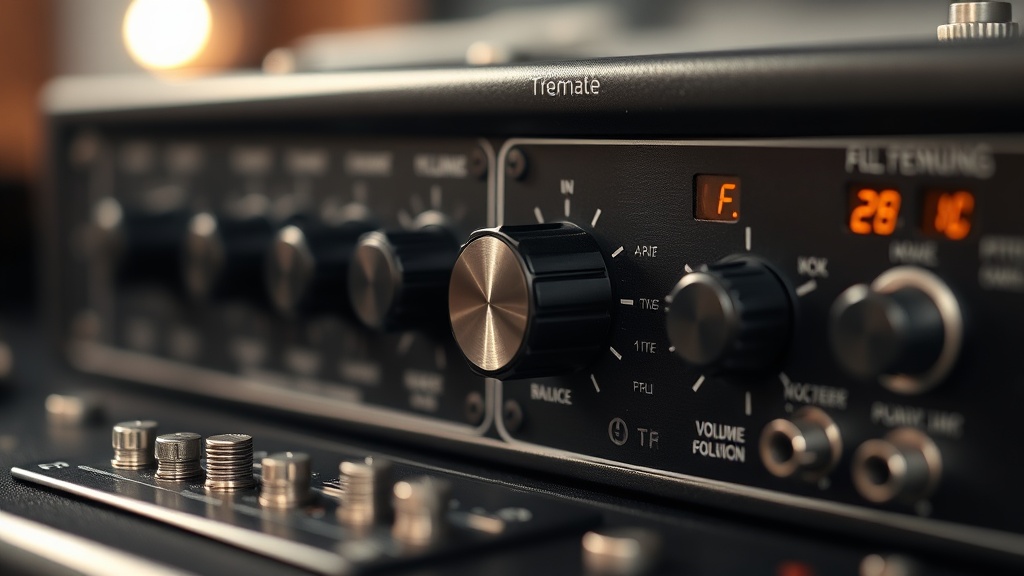
When cleaning fails, replacement is the correct call. This is where most DIY repairs go sideways — people substitute the wrong taper or resistance value.
| Pot Type | Taper | Typical Resistance | Cleaning Response | Replacement Cost |
|---|---|---|---|---|
| Carbon film (open frame) | Log (audio) | 10k–100k ohm | Excellent | $3–$12 |
| Conductive plastic (sealed) | Log (audio) | 10k–50k ohm | Moderate | $8–$25 |
| Cermet (industrial grade) | Linear | 5k–50k ohm | Poor (rarely used in volume) | $6–$20 |
| Motorized Alps (RK27) | Log (audio) | 10k–100k ohm | Good (access hole present) | $18–$60 |
Always match the taper — never substitute a linear pot for an audio (log) taper volume control. Linear pots make the amp feel like it goes from silent to loud in the first 10% of rotation, which is unusable for critical listening. The resistance value must also match within ±20% or you’ll alter the input impedance relationship and potentially affect frequency response.
Common Mistakes That Most Repair Guides Miss
The single most overlooked mistake in DIY pot repairs is using WD-40 or generic lubricants instead of proper contact cleaners — these leave residue that accelerates future failure and can damage the carbon track permanently.
I’ve seen this go wrong when a technically capable person grabs WD-40 because it’s nearby. WD-40 is a water displacer and light lubricant. It is not a contact cleaner. Applied to a carbon-film resistive track, it leaves a hydrocarbon film that attracts more particulate contamination and eventually hardens into a varnish-like residue. I’ve desoldered pots that looked like someone poured cooking oil inside them — always WD-40.
Use DeoxIT D5 or a purpose-made contact cleaner with no lubricant residue. Cramolin R5 is another solid option. Both evaporate cleanly without leaving conductive or insulative films on the resistive element.
The second mistake is reassembling before the cleaner fully dries. Residual solvent inside a live circuit can arc across contacts or cause temporary shorts. Wait the full drying time — usually 10-15 minutes at room temperature — before powering up.
The clients who struggle with this are usually the ones who rush the drying step, power up, hear the same crackle because the cleaner is still wet, and assume the repair failed. They then over-apply cleaner, which floods the pot body and can migrate onto the PCB.
For those working on engineering-adjacent repairs, understanding component-level diagnostics ties directly into broader hardware engineering strategy — knowing when to repair versus replace is a core competency that saves both time and component cost.
When to Replace Instead of Clean
Replacement becomes the correct choice when cleaning produces no improvement after two attempts, when physical shaft wobble is detectable, or when the pot tests outside its rated resistance range on a multimeter.
This depends on the pot’s age and usage pattern versus its construction quality. If you’re working on an amp under five years old with moderate use, two cleaning cycles should fully resolve oxidation-based crackle. If you’re working on an amp over ten years old with heavy use, the carbon track may be physically worn through at the most commonly used positions — typically the 30-70% rotation range where most listening happens. Cleaning can’t restore removed carbon material.
Testing with a multimeter is the definitive check. Set your meter to resistance mode and measure across the pot’s outer terminals — this gives you total resistance. Then measure from one outer terminal to the wiper terminal while slowly rotating. The reading should change smoothly and continuously. Any sudden jumps, drops to zero, or spikes to infinite resistance indicate physical track damage. That pot needs replacement, not cleaning.
Replacement difficulty depends entirely on whether the pot is through-hole or surface-mount. Through-hole pots are straightforward to desolder with a standard iron and solder sucker. Surface-mount pots require hot air and more careful technique. If you haven’t done SMD rework before, through-hole replacements are a reasonable first DIY project. SMD work on a main amplifier board is not.
FAQ
Can I use electrical contact spray instead of DeoxIT?
It depends on the formulation. Some generic contact sprays leave lubricant residue that damages carbon tracks over time. DeoxIT D5 and Cramolin R5 are specifically formulated for resistive elements. If your contact spray explicitly states it’s safe for carbon-film potentiometers and leaves no residue, it’s acceptable. When in doubt, use DeoxIT — it’s the industry standard for this exact application.
How often should I clean volume potentiometers preventatively?
In typical desktop environments, every three to five years is reasonable for preventative maintenance. If your amp lives in a dusty environment, near a window, or in a high-humidity area, every two years is more appropriate. The easiest trigger is this: if you haven’t turned the volume knob for more than two weeks and it crackles when you first use it, that’s the pot telling you it needs attention soon.
Why does my volume pot crackle only when the amp is warm?
Thermal expansion. As components heat up, the resistive track and wiper arm expand at slightly different rates. If there’s existing oxidation or marginal contact pressure, that expansion gap breaks the contact intermittently. This is a reliable indicator that cleaning will help — but if crackle persists after cleaning when warm, the wiper spring tension may be weakened, and replacement is the correct solution.
References
- CAIG Laboratories — DeoxIT D Series Product Documentation
- Electronic Design — Potentiometer Technology Overview
- Analog Devices — Introduction to Potentiometers
- CompTIA A+ Core 1 (220-1101) — Hardware Component Diagnostics, Section 3.4
The real question worth sitting with after all of this: if a five-dollar component and twenty minutes of work can restore years of audio quality, how many people are replacing perfectly good amplifiers because no one told them where to look first?